Most construction owners find out their project is behind schedule in one of two ways: the GC tells them during a scheduled call, or they show up to the jobsite and see it for themselves. Both of these are reactive. Both of them mean the delay has already happened.
A properly built owner portal changes that equation. Instead of waiting to be informed, you log in. Instead of asking for a budget update, you pull it. Instead of wondering whether the framing crew is on site today, you check the photo log.
This post explains what a construction owner portal contains, what distinguishes a functional portal from a checkbox, and what every owner should expect from 24/7 project access.
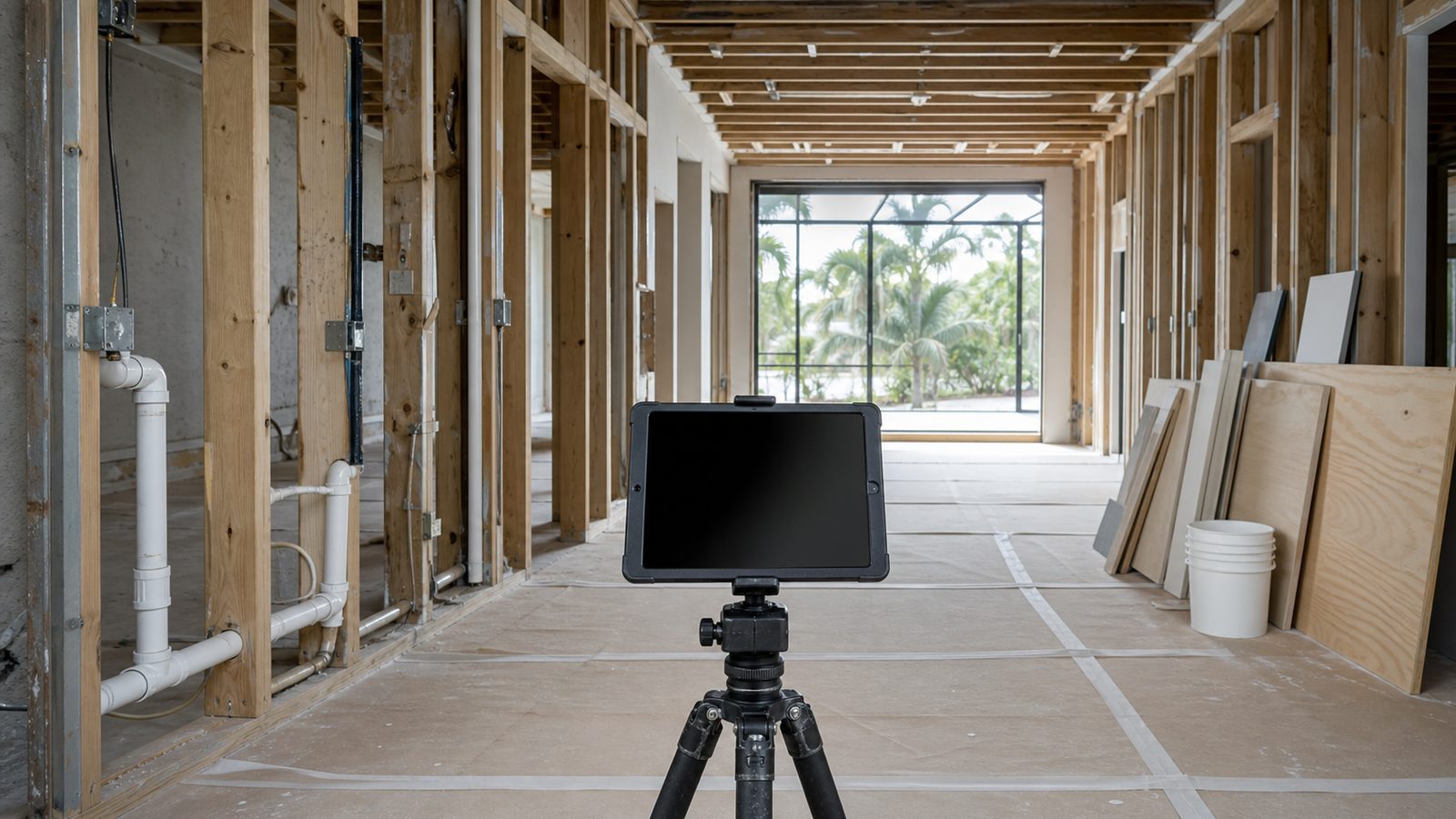
What an Owner Portal Is
An owner portal is a web-based or app-based dashboard that gives the project owner direct, real-time access to the project's key data streams — without going through the GC's project manager, without scheduling a call, and without waiting for a weekly report that may arrive three days late.
The portal is not a replacement for principal communication. It is a complement to it. When something in the portal looks wrong — when a budget variance shows up that the owner didn't expect, or when the schedule shows an activity overdue by five days — the owner has a specific, documented item to raise with the GC. That's a more productive conversation than "how's everything going?"
What a Functioning Owner Portal Contains
Live Schedule with Percent-Complete by Activity
The schedule in the portal should not be a static PDF uploaded at the start of the project. It should be the live project schedule, updated at least weekly, with percent-complete tracked activity by activity.
When you log in, you should be able to see: which activities are complete, which are in progress, which are overdue, and what the projected completion date is based on current progress. The comparison should be made against the schedule baseline — the locked original plan — not against a revised schedule the GC updated to hide a delay.
If the critical path shows an activity with a planned finish of March 14 and an actual-or-projected finish of March 21, you want to see that seven-day delay in the portal, not learn about it at the next monthly meeting.
Budget Variance Report
The budget section of the portal should show three numbers for every line item:
- Budget — the original fixed-price amount
- Committed — what has been contracted to subcontractors and suppliers
- Actual — what has been spent to date
The gap between budget and committed tells you whether contingency is being consumed. The gap between committed and actual tells you where payment stands. Any line item where committed exceeds budget is a potential change order — and you should see it before the change order arrives in your inbox.
On fixed-price GMP (Guaranteed Maximum Price) contracts, the budget should never move unless the owner approves a scope change. Watching the committed column is how owners catch scope creep before it becomes a dispute.
Open RFI Log
An RFI (Request for Information) is a formal document a GC or subcontractor submits when something in the drawings or specifications is unclear or conflicting. RFIs require responses from the architect or engineer of record, and unresolved RFIs can hold up work.
The portal's RFI log should show every open RFI, who submitted it, when it was submitted, who needs to respond, and the target response date. If an RFI has been open for 14 days without a response, you should see it. Open RFIs sitting unresolved are one of the most common hidden causes of schedule delay — the work is waiting, but nobody told the owner.
Submittal Tracker
Submittals are shop drawings, product data sheets, and material samples submitted by subcontractors and reviewed by the design team for conformance with the contract documents. A delayed submittal approval can hold up material procurement. A rejected submittal requires resubmission and re-review.
The submittal tracker in the portal shows the status of every open submittal: submitted, under review, approved, approved with comments, rejected, resubmitted. Long-lead items — structural steel, elevator equipment, custom windows, specialized MEP equipment — should be in the tracker with their expected delivery dates.
Photo Documentation
Photos should be organized by date and by location — not dropped into a folder by the project superintendent's schedule. On a well-run project, photos are uploaded daily or at minimum three times per week, geotagged or location-tagged to the relevant area of the building, and timestamped.
What you're looking for: framing photos that show progress location-by-location, concrete pours documented before and after, ICRA barrier photos on healthcare projects, roofing photos at each stage of installation. Photos are the visual record of what was built and when — they matter for warranty claims, insurance documentation, and dispute resolution.
Safety Incident Log
Every safety incident — including near-misses and first-aid events, not just recordable incidents — should be documented in the portal. OSHA requires recordable incidents to be logged on the OSHA 300 log. A GC who is running a safe jobsite should have nothing to hide in this section. A GC who resists giving you access to the safety log is a GC who has something to hide.
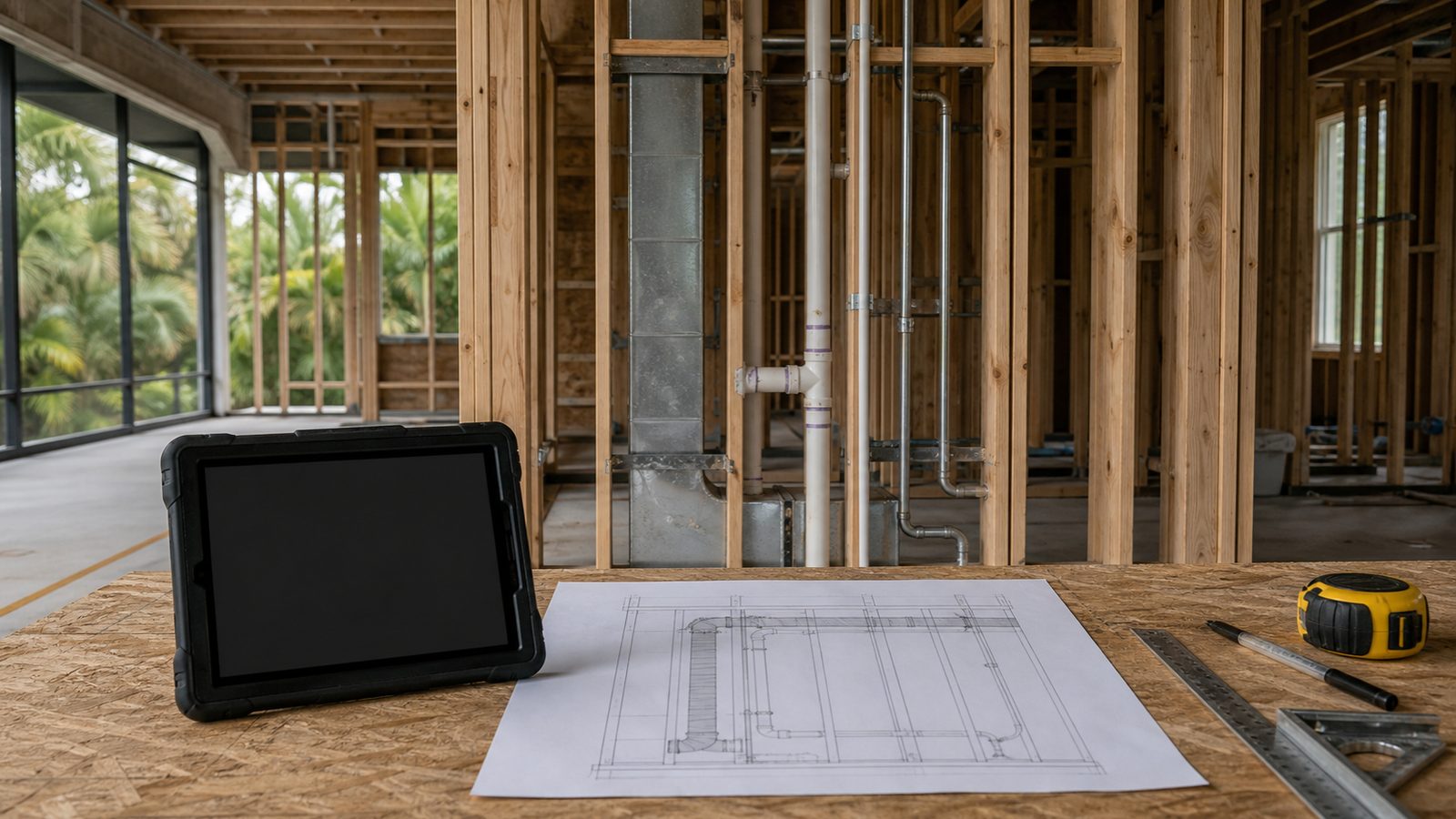
What Good Looks Like vs. What Bad Looks Like
Good: The schedule is updated every Friday by 5pm. Photos are uploaded three times per week with location tags. The budget variance report refreshes automatically from the accounting system. The RFI log shows responses within 72 hours of submission. The owner gets a push notification when a new document is added.
Bad: The portal exists but was last updated 22 days ago. The "schedule" is a PDF of the original Gantt chart. There are no photos from the last two weeks. The budget section shows "coming soon." The RFI log has 11 open items, the oldest of which is 31 days old.
The difference is not software — it is discipline. The best portal in the industry is useless if nobody updates it. The relevant question when evaluating a GC is not "do you have an owner portal?" It's "show me what a client portal looked like on your last completed project."
JK Prestige Owner Portal Access
At JK Prestige Constructor, every project includes owner portal access with live schedule tracking, budget variance reporting, RFI and submittal logs, and photo documentation organized by location and date. The portal is not an add-on — it is part of the standard project delivery model described in The JK Way.
The schedule is updated weekly. Photos are uploaded regularly by our own crews — not assembled from subcontractor submissions two weeks after the fact. When something in the portal shows a variance, the JK principal who signed your contract is the one who gets notified and the one who calls you.
Transparency is not a technology feature. It is a commitment that either runs through the GC's operating model or doesn't. See the full range of JK Prestige projects and how principal-led accountability works from preconstruction through year-one warranty.
Ready to see what a JK Prestige project looks like from the owner side? Contact us for a free estimate and a walkthrough of the owner portal on an active project. Call (904) 944-0278. A principal answers.
No call center. No coordinator. A JK principal reviews every inquiry and replies with a real number, not a range, not a follow-up form.
Request Free Estimate →