When a developer is budgeting a 120,000-square-foot medical office building (MOB) in Jacksonville and the GC's proposal includes a line item for "BIM coordination," most developers sign off on the number without fully understanding what they are buying or what protections they should require. Building information modeling (BIM) is one of the most effective tools available for managing cost and schedule risk on complex construction projects. It is also one of the most inconsistently defined and frequently oversold. A GC who delivers a low-detail 3D model at Level of Development (LOD) 200 is doing something very different from one who delivers a fully coordinated, clash-resolved LOD 350 federated model with 4D schedule integration — even if both describe their work as "BIM."
This guide explains what BIM and virtual design and construction (VDC) actually mean at a technical level, what each LOD level delivers, how the clash detection process works in practice, and what developers should include in their contracts to ensure they receive a BIM deliverable that actually protects their investment. Jacksonville and Northeast Florida developers face specific market conditions — a tight labor market, active permit review cycles at Duval County's Development Review Committee (DRC), and a growing healthcare construction sector — that make BIM coordination more valuable, not less.
BIM vs. VDC: The Technical and Practical Difference
BIM and VDC are related but distinct concepts, and the industry uses them inconsistently.
BIM refers specifically to the creation and use of a three-dimensional digital model that contains not just geometry but embedded data — materials, product specifications, quantities, costs, and schedule information. A BIM model is a database of building components, not merely a 3D drawing.
VDC is the broader practice of using digital models and simulations to plan, design, and manage construction projects. VDC encompasses BIM but also includes 4D scheduling (time-linked to the model), 5D estimating (cost-linked to the model), site logistics simulation, and construction sequence animation. A project can use VDC methods without having a fully detailed BIM model; most do both in combination.
For practical purposes, when a GC says "we use BIM," ask them specifically: who builds the model, at what LOD, who pays for the discipline models, how is the federated model maintained, how are clash reports distributed, and what is the model deliverable at project closeout. Those questions separate GCs who use BIM software from those who run a genuine VDC program.
JK Prestige's approach to project delivery treats VDC coordination as a defined preconstruction deliverable, not a software subscription.
What a BIM Model Contains and Who Builds It
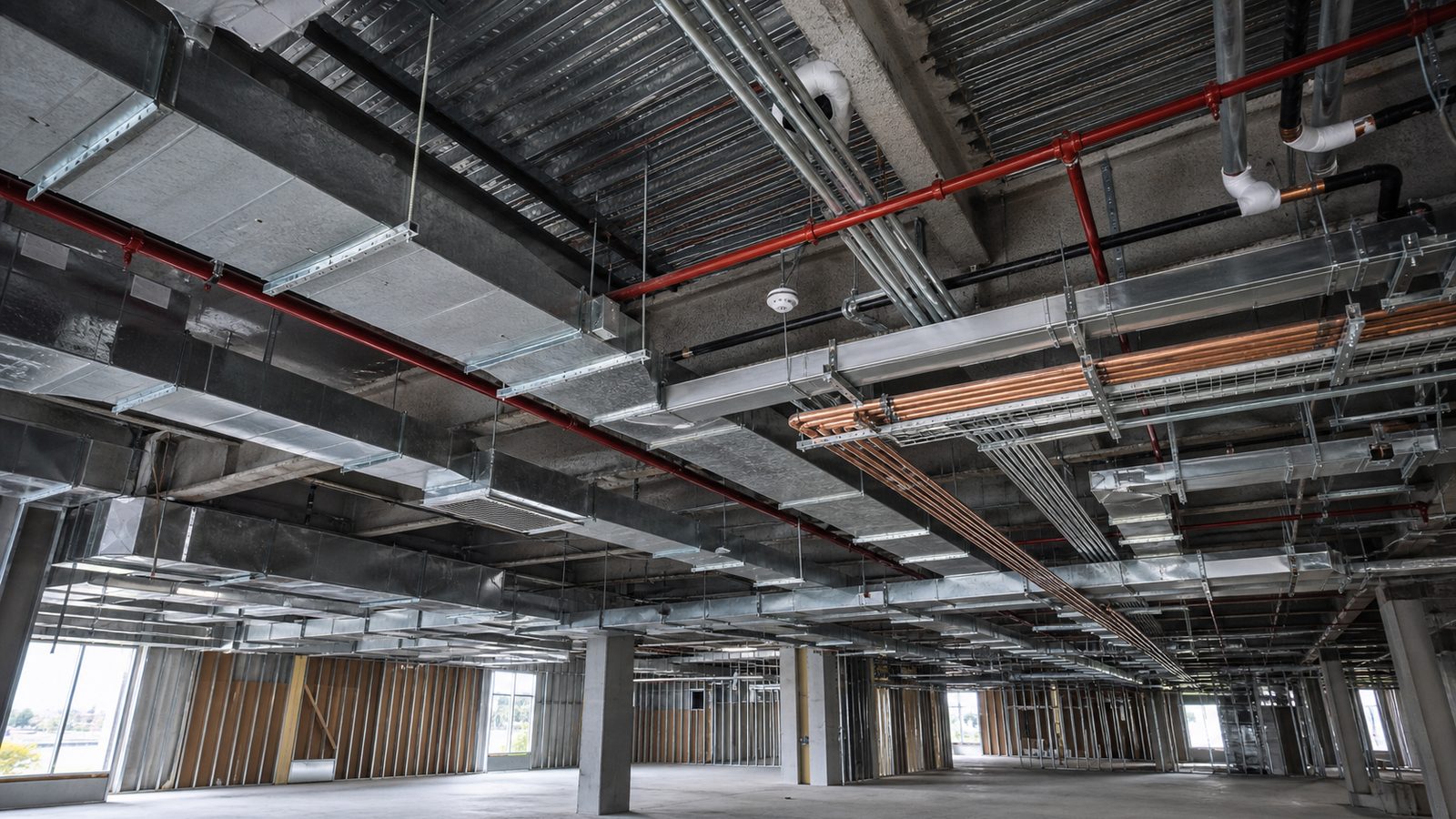
A complete BIM model for a commercial building contains structural elements (columns, beams, slabs, walls), architectural elements (doors, windows, partitions, finishes), MEP systems (ductwork, piping, conduit, equipment), and site elements (grading, utilities, parking). Each element carries embedded properties: dimensions, material specifications, manufacturer data, cost, and schedule activity links.
Who Builds the Model
On large projects, model construction is divided by discipline:
- The structural engineer of record (EOR) or their BIM subcontractor builds the structural model
- The mechanical, electrical, and plumbing (MEP) engineers build discipline models, or the MEP subcontractors build fabrication-level models after design is complete
- The GC's VDC coordinator aggregates these into a federated model — a master file that references all discipline models in a shared coordinate system
The GC-coordinated model is the critical coordination deliverable. Without a GC who actively manages the federated model, the discipline models exist in isolation and the clash detection workflow does not function.
Level of Development: LOD 100 Through LOD 500
The American Institute of Architects (AIA) and BIMForum define Level of Development (LOD) as the degree of completeness of a model element. LOD is not the same as Level of Detail — it refers to what the element can reliably communicate about the building.
LOD 100
A conceptual representation. Elements exist as placeholders with approximate sizes and locations. Used for early feasibility and massing studies. Quantities derived from an LOD 100 model have a +/- 30% accuracy range.
LOD 200
Approximate geometry. Elements have approximate dimensions and locations, with placeholder components for systems. Used for schematic design and early coordination. MEP systems appear as zones rather than routed systems.
LOD 300
Defined geometry and location. Elements have accurate dimensions, quantities, and locations. MEP systems are routed in approximate paths. Clash detection at LOD 300 catches major spatial conflicts. This is the minimum level for meaningful MEP coordination on commercial projects.
LOD 350
LOD 300 with connections and interfaces between systems shown. Structural penetrations, equipment clearances, and coordination with adjacent elements are modeled. LOD 350 is the practical standard for complex commercial and hospital MEP coordination. Fabrication-ready ductwork and piping are modeled at this level.
LOD 400
Fabrication-level detail. Elements are modeled at the precision required for shop drawing production and direct fabrication. Sheet metal ductwork, structural steel, and precast concrete panels are commonly modeled at LOD 400.
LOD 500
As-built model. The model reflects actual installed conditions, verified in the field. An LOD 500 model at project closeout serves as the basis for the owner's facility management system and future renovation planning.
For a developer, the practical question is: what LOD will MEP systems be modeled at, by whom, and at whose cost? Specify minimum LOD 350 for all MEP systems in projects over $5M.
The Clash Detection Process in Practice
On a 60,000-square-foot hospital wing — a typical ambulatory surgery center or MOB addition in Jacksonville — the initial clash detection run in Autodesk Navisworks returns 300–800 raw clashes. That number sounds alarming but is standard. The workflow for managing those clashes follows a defined protocol.
Hard vs. Soft Clashes
Hard clashes are actual intersections between model elements — a duct main that passes through a structural beam, or a sprinkler main that occupies the same space as a VAV box. Hard clashes require design revision or field resolution.
Soft clashes are proximity conflicts — elements within a defined clearance distance but not actually intersecting. Soft clash tolerance is set in the clash detection software, typically 2–6 inches depending on the trade pair being tested. A soft clash between a duct main and conduit run at 3 inches may be acceptable in the field; between a duct main and a sprinkler main at 3 inches, it is not.
Resolution Protocol
Each clash is assigned a status (new, active, resolved, approved) and a responsible party. The weekly MEP coordination meeting reviews all active clashes. Each trade proposes a resolution — typically, who reroutes. The resolution is modeled, and the clash is marked resolved when the federated model no longer shows the conflict. The design team is notified of resolutions that require EOR drawing revisions.
A project with a competent VDC coordinator should reduce a 600-clash initial report to fewer than 50 active hard clashes within 4 weeks of the first coordination meeting. By the time MEP rough-in begins on the first zone, active hard clashes in that zone should be zero.
JK Prestige's hospital project experience includes BIM-coordinated MEP on multiple clinical facilities in Northeast Florida.
4D Scheduling: Attaching the Timeline to the Model
4D scheduling links each model element to a schedule activity in the project's construction timeline. The result is a time-animated model that shows the construction sequence day by day.
The primary use of 4D scheduling is site logistics conflict detection — discovering before mobilization that two trades are planned to occupy the same area in the same week, or that a concrete pour is scheduled before the underground MEP rough-in in that zone is complete.
On a project with a tight site — a Jacksonville infill commercial project or a hospital addition adjacent to an operating building — 4D scheduling also reveals crane radius conflicts, material staging conflicts, and temporary power routing conflicts that are costly to resolve in the field.
For owners, a 4D model is also a communication tool: it allows the project team to demonstrate the construction sequence to hospital administrators, building occupants, or city officials who need to understand how the project affects their operations.
5D Estimating: Real-Time Cost Feedback During Design
5D estimating links model quantities directly to the cost database. As the design team modifies the model — adding rooms, changing structural bay spacing, revising MEP system types — the cost model updates in near-real time.
The practical benefit for developers is cost visibility during design. On a traditional project, the architect completes 100% design documents before the GC produces a final estimate. By that point, the owner has invested 6–12 months of design fees and has limited options if the number comes in over budget. 5D estimating surfaces cost decisions during the design process, when changing a wall configuration or system type costs hours of design time rather than weeks of re-design.
5D estimating on projects below $10M is often not cost-effective — the modeling investment exceeds the decision value. Above $15M, particularly on hospital and complex commercial projects, 5D estimating consistently reduces the gap between design estimate and construction bid.
Owner Benefits: Reduced Change Orders and Lower Facility Management Costs
Owners realize BIM benefits in two categories: during construction and after occupancy.
During construction, the primary benefit is change order reduction. Change orders driven by design conflicts — the RFI (request for information) process that results in a scope change — average 5–8% of project value on commercial projects without BIM coordination. On BIM-coordinated projects, design-conflict change orders typically fall to 1–3% of project value. On a $20M commercial project, the difference is $400,000–$1,000,000.
After occupancy, an LOD 500 as-built BIM model reduces facility management costs by providing accurate as-built geometry and equipment data for facility management software. A hospital that knows the precise location of every shutoff valve, every junction box, and every piece of mechanical equipment spends less time on investigative maintenance and can plan renovations without destructive investigation.
BIM Execution Plan: What to Include in the Contract
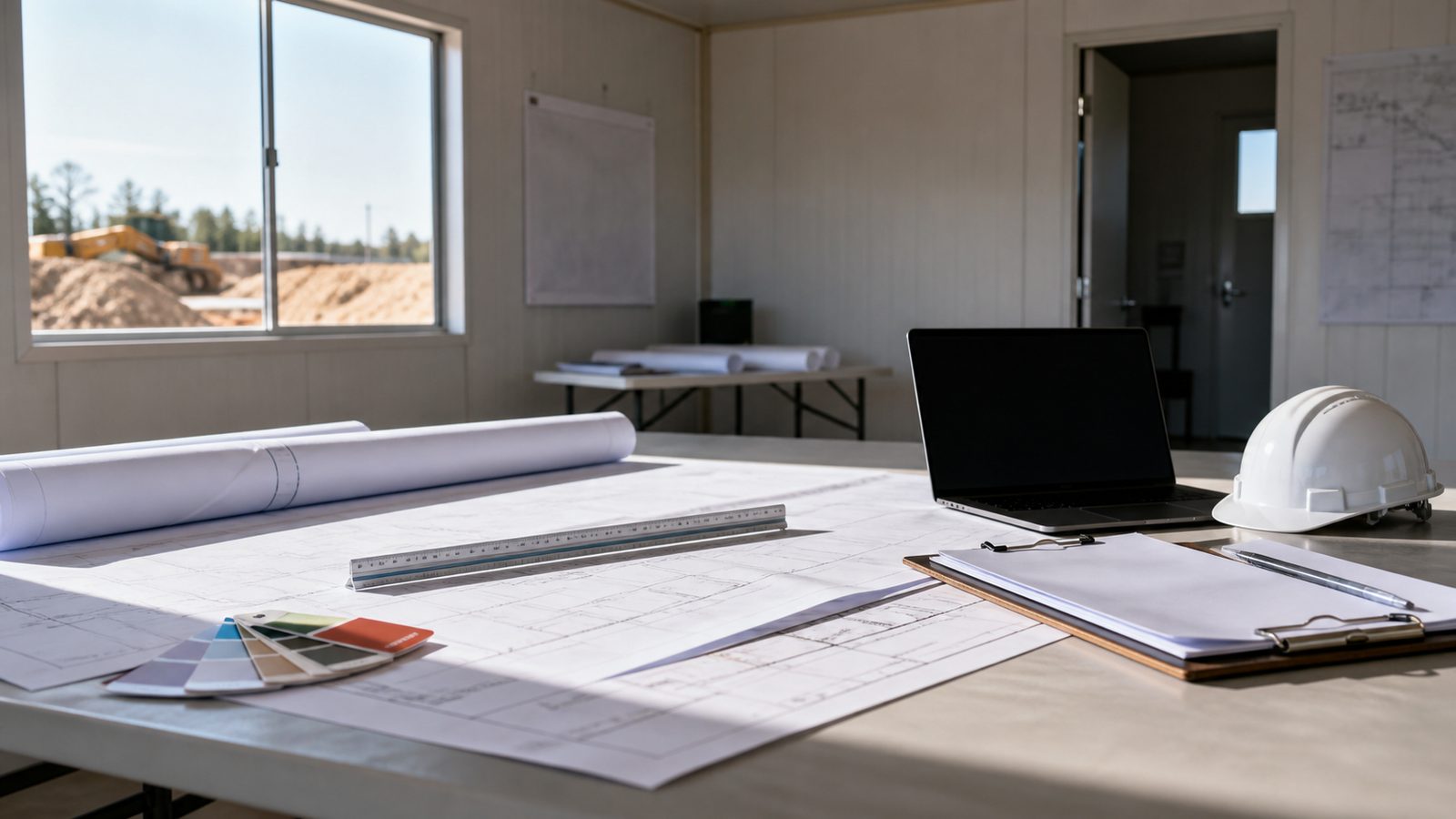
A BIM Execution Plan (BEP) is a project-specific document that defines who builds what model, at what LOD, using what software, with what deliverables at each phase milestone. Without a BEP in the contract, BIM deliverables are unenforceable.
A BEP for a commercial project should include:
- Model authoring software (Autodesk Revit is the current standard) and version
- Minimum LOD requirement by discipline and project phase
- Federated model format and software (Autodesk Navisworks or equivalent)
- Clash detection frequency (minimum weekly during MEP coordination phase)
- Clash report format and distribution list
- Coordination meeting schedule and attendee requirements
- As-built LOD requirement (LOD 500 preferred; LOD 400 minimum)
- File format for closeout deliverable (native Revit + IFC is standard)
- Who owns the model after project completion (should be the owner)
Contact JK Prestige to discuss BIM execution plan requirements for your Jacksonville commercial or healthcare project.
When BIM Is Worth It for Smaller Projects
The threshold for BIM coordination investment is generally project value and complexity together. The guidelines:
Projects over $5M with MEP systems in an occupied building or healthcare facility: BIM coordination is justified. The clash detection value exceeds the modeling cost.
Projects over $3M with complex MEP (hospital fit-out, laboratory, data center): BIM coordination is justified even below $5M due to the density of systems.
Projects between $1M and $3M (tenant improvement, light commercial shell): coordination drawings — 2D overlays of MEP systems — may suffice. Full BIM coordination is often not cost-effective.
Projects below $1M (residential, small commercial tenant improvement): coordination drawings are sufficient. BIM adds cost without commensurate benefit.
JK Prestige's VDC and BIM Capability on Custom Homes, Hospitals, and Commercial Projects
JK Prestige Construction brings VDC coordination to every project where system complexity justifies it. On custom home projects, 3D modeling during design prevents framing conflicts and helps owners visualize the finished product before a board is cut. On hospital and clinical projects, full BIM coordination with weekly clash detection meetings is standard.
JK Prestige manages the federated model, runs coordination meetings, tracks all RFIs against the model, and delivers a closeout model that the owner's facilities team can use for ongoing building management. The founder walks every site — which means the VDC coordination translates directly into field decisions, not just digital deliverables.
Ready to start? Get a written estimate in 48 hours. Call (904) 944-0278 or request a free consultation.
No call center. No coordinator. A JK principal reviews every inquiry and replies with a real number, not a range, not a follow-up form.
Request Free Estimate →