Your general contractor hands you a Gantt chart. It has hundreds of bars, dozens of colors, and a project end date that matches the one in the contract. You nod, file it away, and wait for weekly updates.
Six weeks later, the project is three weeks behind and nobody told you until it was already compounded.
Reading a construction schedule is not a technical skill reserved for project managers. The core concepts — critical path, float, and look-ahead windows — take 20 minutes to understand and give every owner the ability to read the schedule as a diagnostic tool, not just a document.
This post explains each concept, what it looks like in practice, and what to watch for if a project is drifting.

Why Construction Schedules Exist
A construction schedule is not a prediction. It's a plan — a structured representation of how the project intends to use time. Like any plan, it changes as reality diverges from intention. The schedule's job is to make those divergences visible, so the team can respond before they compound.
An owner who can read the schedule is an owner who can have specific, productive conversations about schedule performance — rather than general conversations about "how things are going."
Critical Path: The Backbone of the Schedule
The critical path is the longest chain of dependent activities in the project schedule. If any single activity on the critical path is delayed by one day, the project end date moves by one day. There is no buffer — every critical path activity is, by definition, zero-float.
How to Find It
In a well-formatted schedule, critical path activities are highlighted — usually in red. In software like Primavera P6 or Microsoft Project, the critical path is calculated automatically based on activity durations and dependencies.
If your GC's schedule doesn't visually distinguish critical path activities from non-critical ones, ask them to add it. A schedule that doesn't show the critical path is a schedule you can't use as a management tool.
A Real Example
On a ground-up warehouse in Florida, the critical path typically runs: site clearing → earthwork and grading → foundation work → slab-on-grade pour → tilt-up panel casting → panel tilting → roof structure steel → roof installation → exterior infill and openings → MEP rough-in → interior finishes → inspections → certificate of occupancy (CO).
Any day lost on the slab pour (because of rain, a pump truck breakdown, or a concrete supply interruption) is a day added to the end date. The panel casting can't start until the slab is cured. The panel tilting can't start until the panels are cured. Every step depends on the one before it.
Non-critical activities — parking lot paving, landscaping, interior office build-out — can be delayed without immediately affecting the end date, up to their float limit.
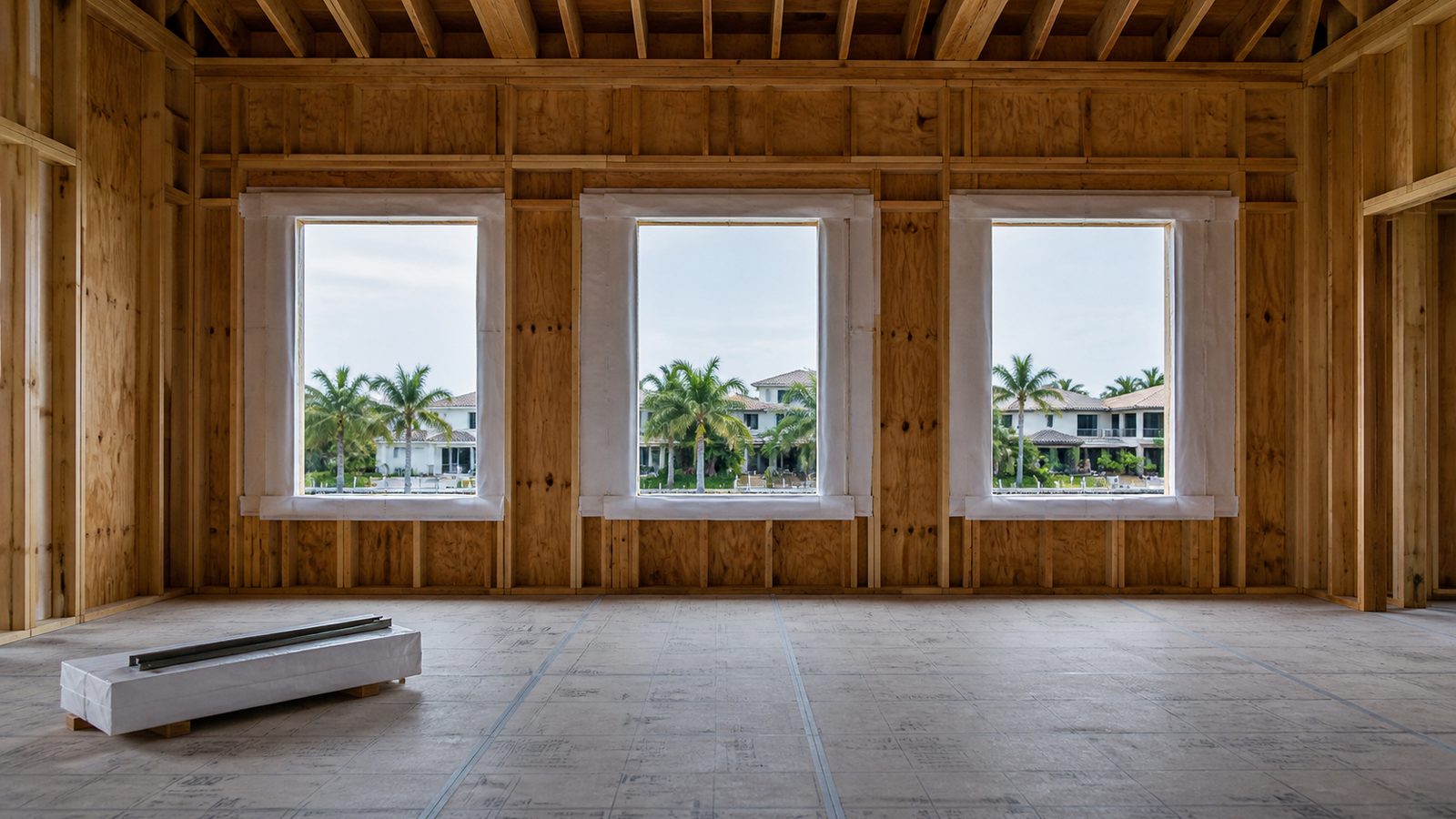
Float: The Schedule's Margin
Float (also called total float) is the amount of time a non-critical activity can be delayed before it becomes critical — before its delay starts pushing the end date.
An activity with 15 days of float can start 15 days late, or take 15 days longer than planned, without affecting the project completion date. An activity with zero float is on the critical path.
Why Float Matters to Owners
Float is a diagnostic metric. When float burns faster than time passes, the project is tightening. Consider:
- Week 3: A concrete formwork activity shows 12 days of float.
- Week 5: The same activity shows 4 days of float — but only 14 calendar days have passed.
Those 8 days of float burned in 14 days. Something went wrong upstream that tightened the schedule. If nobody flagged it, the owner is now looking at a near-critical activity that was comfortable three weeks ago. Left unchecked, it goes critical.
Watching float burn rates on key non-critical activities is one of the most reliable early-warning signals in schedule management. Ask your GC for float values on the top 10 near-critical activities, and watch them weekly.
Float Belongs to the Project, Not the GC
A common GC misconception — sometimes written into contracts by GCs — is that float belongs to the contractor. The industry standard position (and the position of most construction lawyers) is that float belongs to the project and is available for the use of either party. If a GC insists in the contract that float is "contractor-owned," push back.
Look-Ahead Schedule: The 3-Week Window
The master schedule is the full project plan — hundreds of activities across months or years. It's useful for understanding the overall shape of the project, but it's too high-level for day-to-day field management.
The look-ahead schedule (also called the short-interval schedule) is a 3-week window of what's actually happening in the field: specific activities, specific crews, specific material deliveries, specific inspection requests. It is updated weekly, not monthly.
Why the Look-Ahead Matters More Than the Master
The look-ahead is where commitments are made. In the Last Planner System (LPS) — which JK Prestige uses on all projects over $2 million — the look-ahead schedule is the basis for the weekly planning meeting. Each foreman commits to specific activities that will be completed in the next 1 to 3 weeks. Those commitments are tracked and measured as Percent Plan Complete (PPC).
If a superintendent promises that all rough-in MEP in zones A through C will be complete by Friday and it isn't, that is a documented broken commitment — not a vague sense that "things are running a little behind." PPC below 70% over several consecutive weeks is a warning sign that the project is operationally struggling.
What to Ask For
Don't accept "I'll give you a monthly schedule update" from your GC. Ask for:
- A 3-week look-ahead updated every Friday
- PPC scores for the previous week (what percentage of committed tasks were completed on time)
- Float values for the top 10 near-critical activities
These three data points give you more schedule insight than a monthly Gantt chart update.
How to Spot a Project in Trouble
Sign 1: Critical Path Activities Showing Actual Later Than Planned
If the schedule comparison column shows an activity that was planned to finish March 14 with an actual/projected finish of March 21, that's a seven-day delay on a critical path activity. That seven days is gone from the project end date — unless the GC has a recovery plan.
A recovery plan is a revised sequence where activities are overlapped, accelerated, or resource-loaded differently to make up lost time. Ask for it in writing.
Sign 2: Float Burning Faster Than the Calendar
As described above: if activities are losing more float days than the number of calendar days that have passed, the schedule is tightening faster than it should be.
Sign 3: Look-Ahead Not Being Updated
If you ask for the 3-week look-ahead and the GC sends you the same PDF they sent last week with different dates typed in, that's not a look-ahead — it's performance. A real look-ahead reflects what crews are actually committed to based on current conditions.
Sign 4: No Activity-Level Percent-Complete Reporting
"We're about 40% done" is not a schedule status. Activity-level percent-complete — drywall is 65% complete, MEP rough-in is 80% complete in zone A — is a schedule status. If your GC can't provide activity-level tracking, they're either not managing the schedule at that level of detail or they don't want you to have that visibility.
JK Prestige Schedule Transparency
At JK Prestige Constructor, the schedule baseline is locked before ground breaks and never revised without the owner's written approval. Weekly owner reports include schedule status against the baseline, look-ahead for the coming three weeks, and PPC tracking on committed activities.
This is standard operating procedure — not a custom deliverable for demanding owners. The JK Way documents how principal-led schedule management works from preconstruction through project closeout. Our own crews self-perform the critical-path trades — concrete, framing, drywall — so the people managing the schedule are the same people executing it.
If you're hiring a general contractor in Florida and want to understand what rigorous schedule management looks like on your project type, contact JK Prestige for a free consultation. Call (904) 944-0278. A principal answers.
No call center. No coordinator. A JK principal reviews every inquiry and replies with a real number, not a range, not a follow-up form.
Request Free Estimate →