Unpermitted work in Duval County creates two problems: it fails to trigger inspections that catch structural and safety defects, and it surfaces during title searches when you sell. Buyers' lenders routinely require unpermitted additions to be either permitted retroactively (expensive and uncertain) or demolished. Pulling the permit correctly from the start adds days to a project schedule, not weeks — and the Duval County plan review process is navigable once you understand how it is structured.
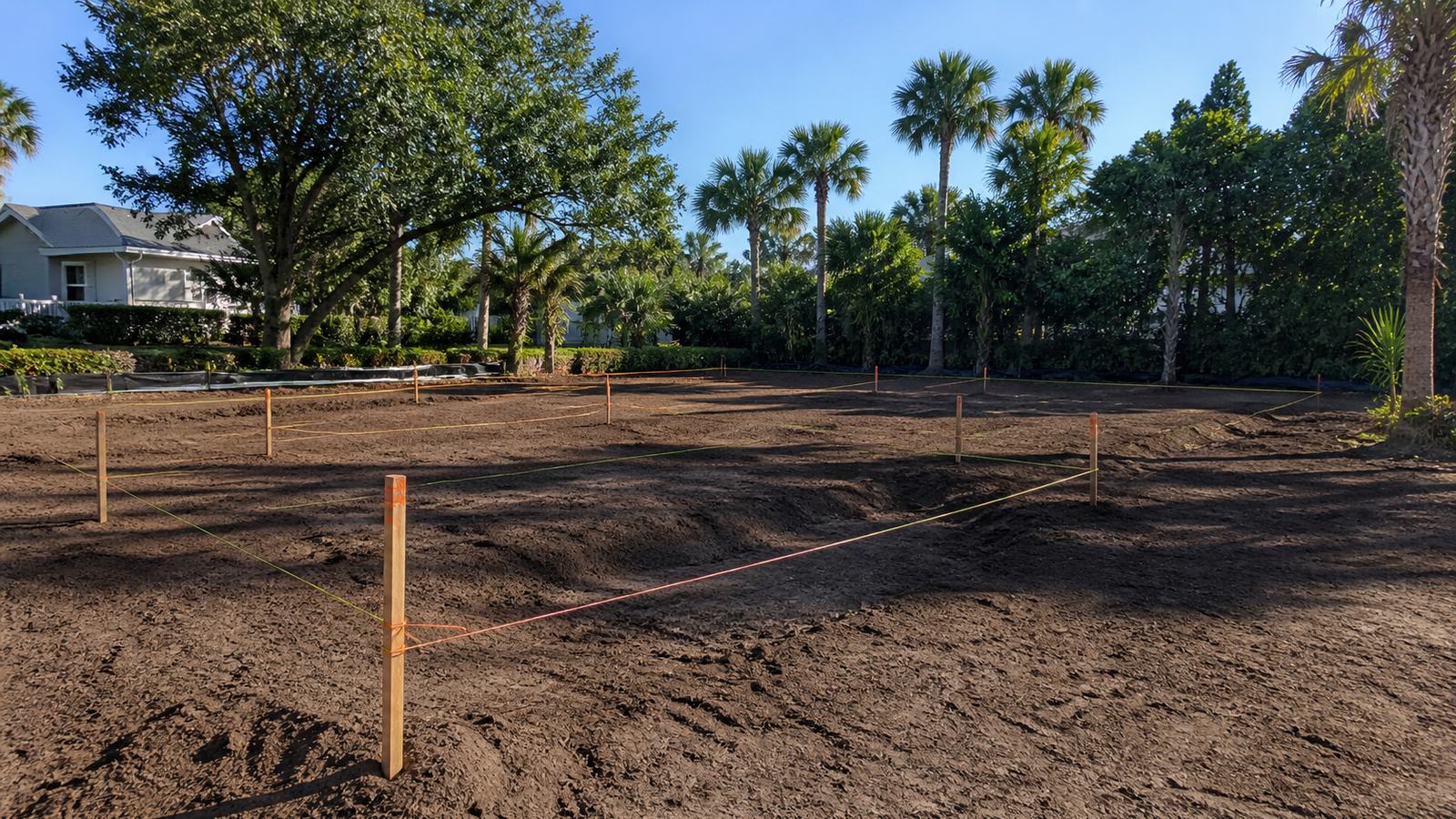
Step 1: Determine the Permit Type You Need
Jacksonville's Building Inspection Division issues several permit categories for residential work. A Building Permit covers structural work — new construction, additions, structural repairs, re-roofing over a certain threshold. Electrical, Mechanical (HVAC), and Plumbing Permits are separate and required for those scopes even within a larger building permit project. A Reroof Permit is its own category. Some minor repairs qualify as "over-the-counter" permits that can be approved same-day. If your project involves multiple trades, you will need multiple permits — the building permit is the master permit, and trade permits are sub-permits filed under it.
Step 2: Gather Your Documents Before You Start the Application
For a residential new construction or addition permit, you will need: a completed site plan (survey showing setbacks, lot coverage, and proposed structure footprint), construction drawings signed and sealed by a Florida-licensed architect or engineer for any project requiring engineered plans, a completed contractor information form with your contractor's Florida license number and proof of insurance, and an energy compliance report (Florida Product Approval sheets for windows, doors, and roofing materials if applicable). Have digital copies ready in PDF format before logging into CityView — the portal does not save partial applications for long.
Step 3: Submit Your Application via the Duval County CityView Portal
Go to coj.net and click through to the CityView portal link. Create a contractor or owner-builder account. Select "Apply for a Permit," choose your permit type, and fill in the project address, scope of work description, and construction value. Upload all required documents in the file attachment step — label each file clearly (e.g., "Site Plan," "Floor Plan - Sheet A1," "Energy Calc"). Once submitted, you will receive an application number. Keep that number; you will use it to track status and pay fees.
Step 4: Pay the Permit Fees
Duval County permit fees for residential projects are calculated as a percentage of the declared construction value plus flat administrative fees. As a rough benchmark: a $200,000 residential addition typically generates permit fees in the range of $1,500 to $2,500. A straight reroof permit runs $150 to $300. Fees are paid through the CityView portal after your application is accepted into the review queue. You cannot pay until the application is logged in, which typically happens within one business day of submission.
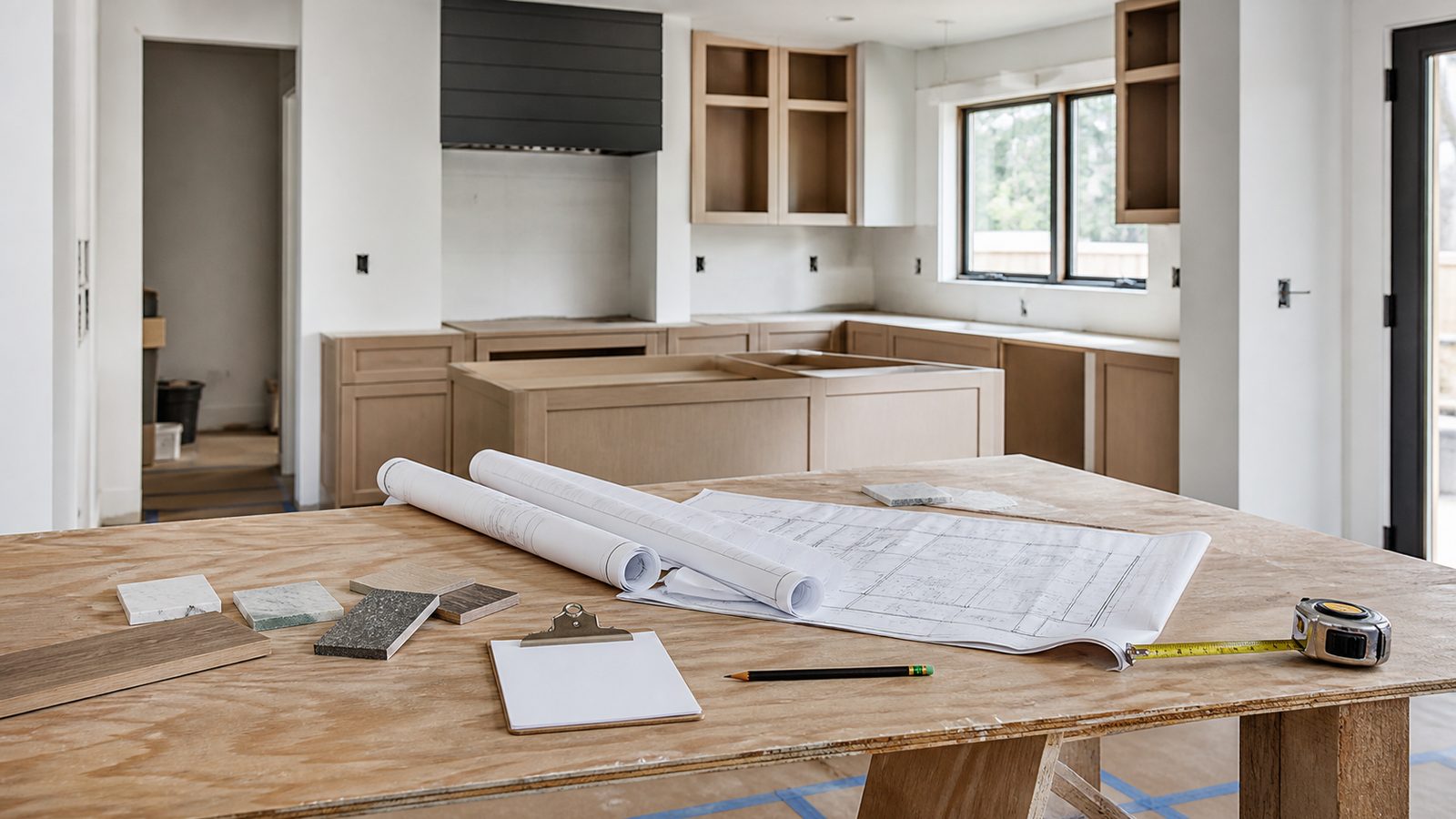
Step 5: Await Plan Review (4–8 Weeks for Residential)
Standard residential plan review in Duval County runs 4 to 8 weeks from the date your application is complete and fees are paid. "Complete" means all documents are present and the file has been assigned to a reviewer — not just the date you submitted. The reviewer will check your drawings against the Florida Building Code (current edition), local amendments, and zoning requirements. You can track your application status in CityView at any time. Do not call the Building Inspection Division to ask for status during the review window; the portal reflects current status.
Step 6: Receive Approval and Obtain Your Permit Card
When plan review is complete and approved, you will receive an email notification. Log into CityView, pay any remaining fees, and download your permit card. The permit card must be posted at the job site in a visible location before any permitted work begins. Your approved plans must also be on site during all inspections. If plan review comes back with comments (a "revision request"), you have 90 days to respond with corrected documents before the application expires.
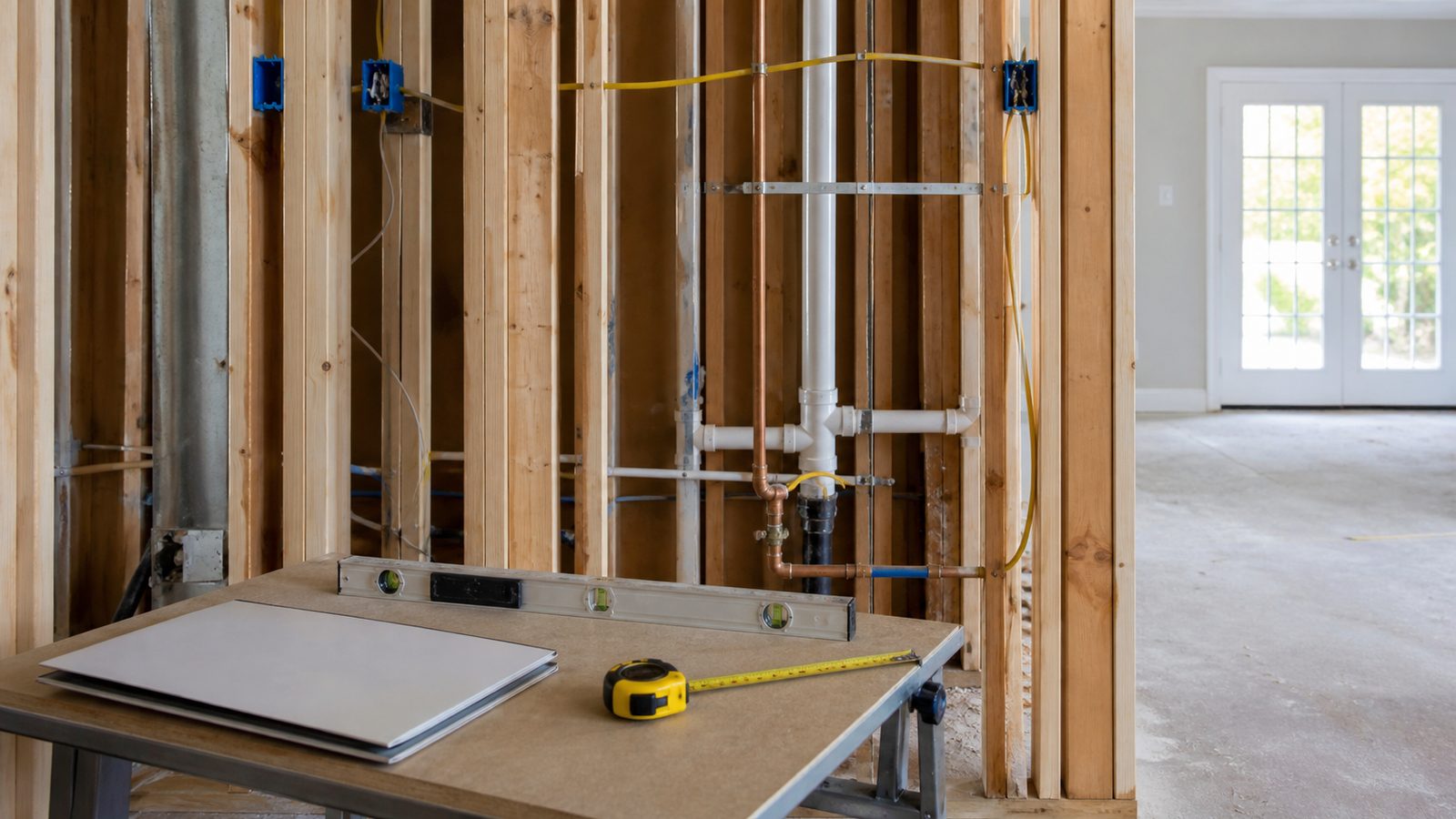
Step 7: Schedule Inspections During and After Construction
Once work begins, inspections are required at specific milestones: framing rough-in before drywall, rough electrical before insulation, plumbing rough-in before concrete or drywall, and final inspections for each trade plus a final building inspection. All inspections are scheduled through the CityView portal or by calling (904) 255-8500. Permit your work in the right sequence — the building inspector will not approve a framing inspection if electrical rough-in is already covered.
Common Plan Review Rejection Reasons
- Missing or illegible site plan (setbacks not dimensioned)
- Construction drawings not signed and sealed by a licensed professional when required
- Energy compliance data absent or referencing an outdated code cycle
- Scope of work description in the application does not match the drawings
- Contractor license number not matching the license type required for the scope
Get a written estimate in 48 hours. Call (904) 944-0278 or request a free inspection.
JK Prestige Construction handles permit pulling on every project as part of its fixed-price contract — no separate billing for permit fees management or plan revision coordination. See how the process works at our homes construction page.
No call center. No coordinator. A JK principal reviews every inquiry and replies with a real number, not a range, not a follow-up form.
Request Free Estimate →