A building inspection is not a formality. Duval County inspectors carry the Florida Building Code with them and are authorized to issue a stop-work order, a red tag, or a correction notice on the spot. Missing an inspection milestone, or scheduling the wrong inspection type for your project phase, adds days to a job and can require demolishing completed work so concealed conditions can be verified. Knowing how to move through the inspection schedule correctly is as important as the construction itself.
Step 1: Log Into the CityView Portal
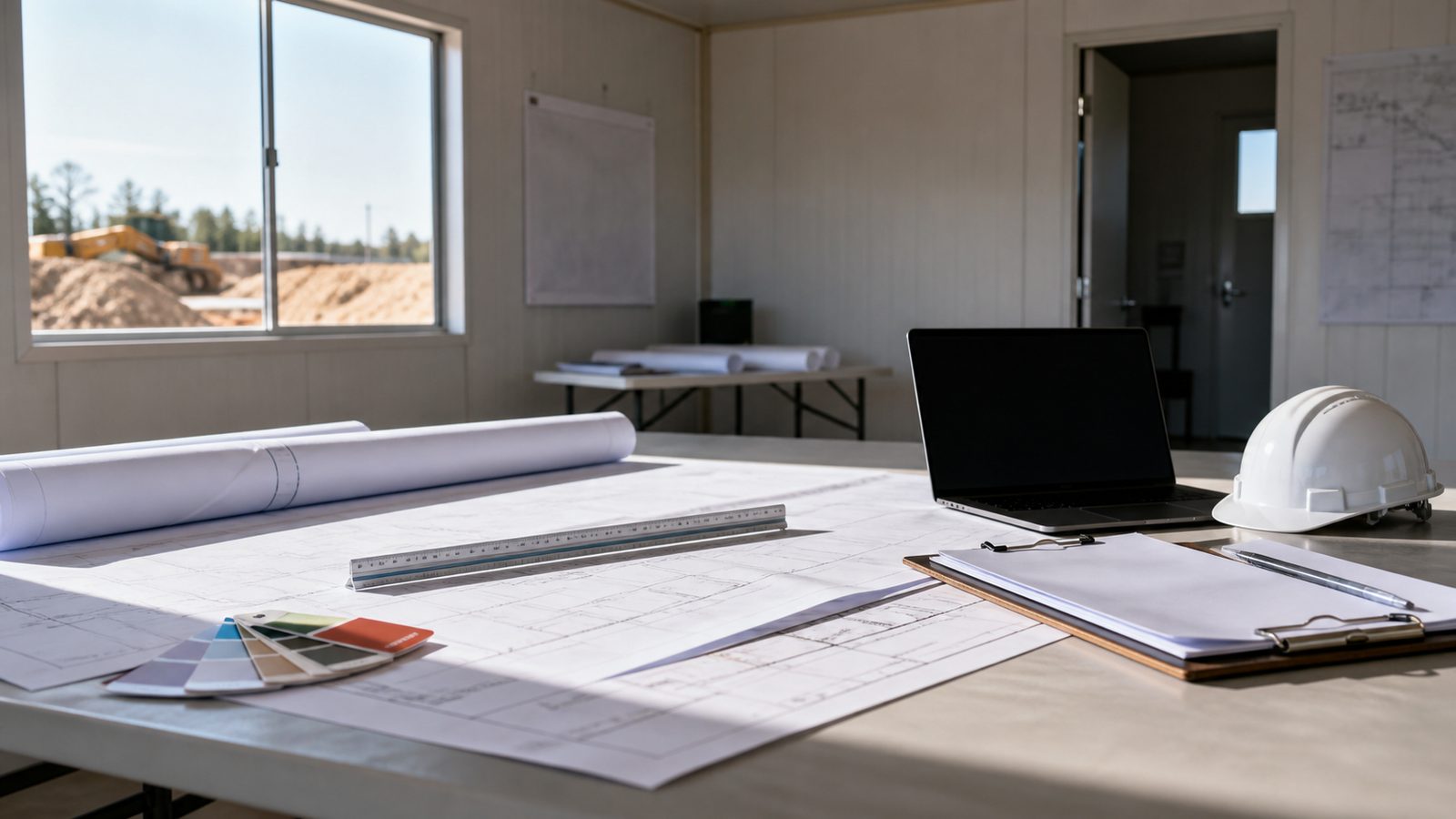
Go to the Duval County Building Inspection Division portal through coj.net and sign in with the account used to apply for the permit. Inspections are tied to specific permits — you must be logged in as the permit holder or an authorized agent (typically the contractor of record). From your dashboard, locate the permit number for the project where you need an inspection and click into it.
Step 2: Select the Permit and Confirm Inspection Eligibility
Once inside the permit record, you will see a list of inspections required for that permit type. This list is generated automatically based on the permit scope when the permit was issued. Before scheduling, confirm that the previous required inspection has been passed — Jacksonville's Building Inspection Division will not allow you to schedule a framing inspection, for example, if a foundation inspection has not been signed off. The portal will show each inspection in sequence with its current status: Pending, Scheduled, Passed, or Failed.
Step 3: Choose the Correct Inspection Type
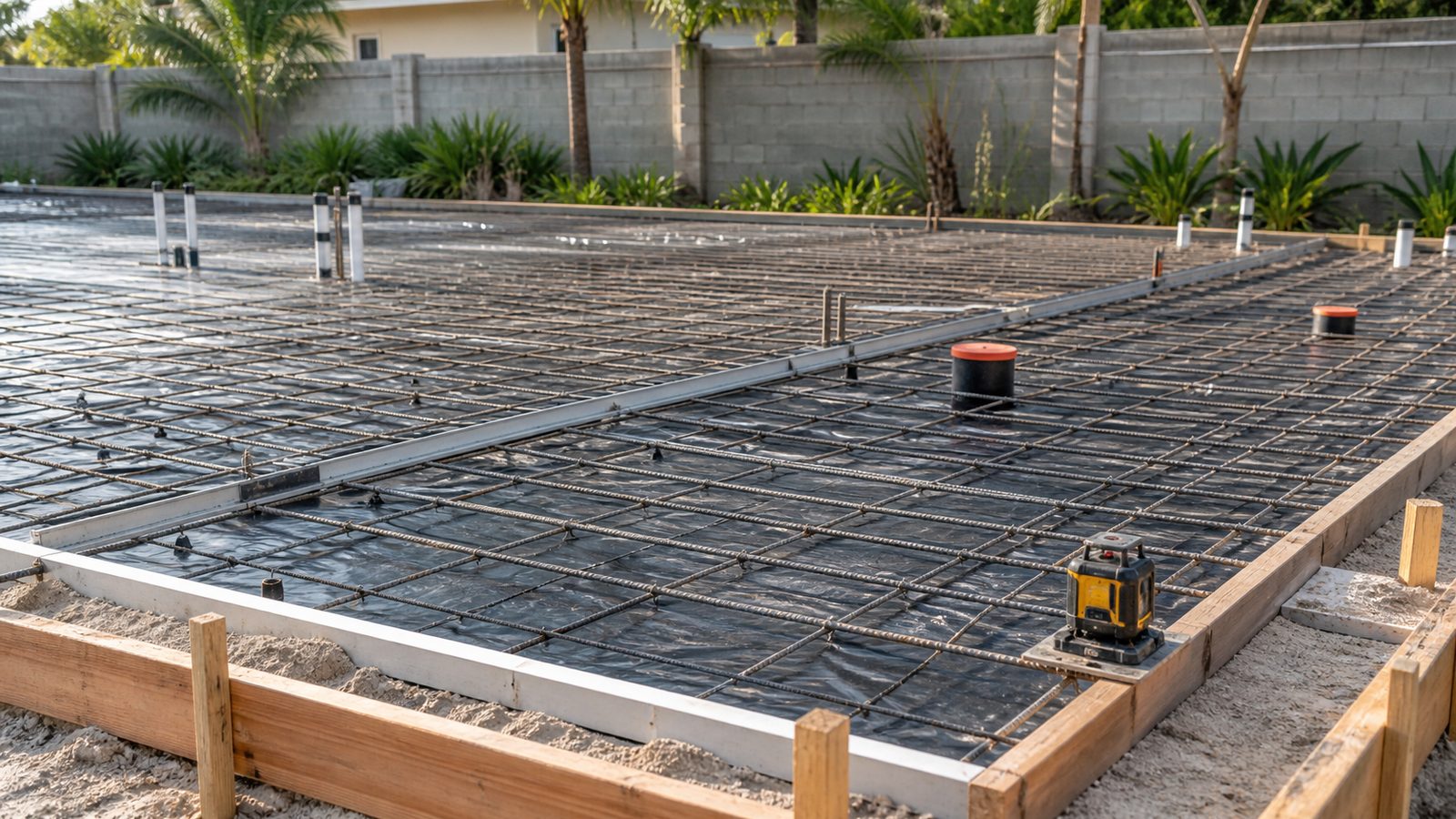
Inspection types include: Slab, Foundation, Framing, Rough Electrical, Rough Plumbing, Rough Mechanical (HVAC), Insulation, Drywall, and Final (Building, Electrical, Plumbing, Mechanical). The inspection type must match your current construction phase precisely. Scheduling a "Final Building" inspection when drywall is not complete will result in an automatic failure and a re-inspection fee. If your project has sub-permits for electrical or plumbing, those inspections are scheduled under the sub-permit, not the master building permit.
Step 4: Pick a Date and Time Window
Jacksonville's inspection scheduling system offers available date slots typically 1 to 3 business days out. You select a morning window (generally 8 AM to noon) or afternoon window (noon to 4 PM) — inspectors do not provide specific arrival times within those windows. Residential inspections are generally completed within the window selected. Commercial inspections, particularly large-scale framing or final inspections, may require a pre-arranged time for a lead inspector. Select your window and confirm; you will receive an email confirmation with the inspection ID.
Step 5: Prepare for the Inspector's Arrival
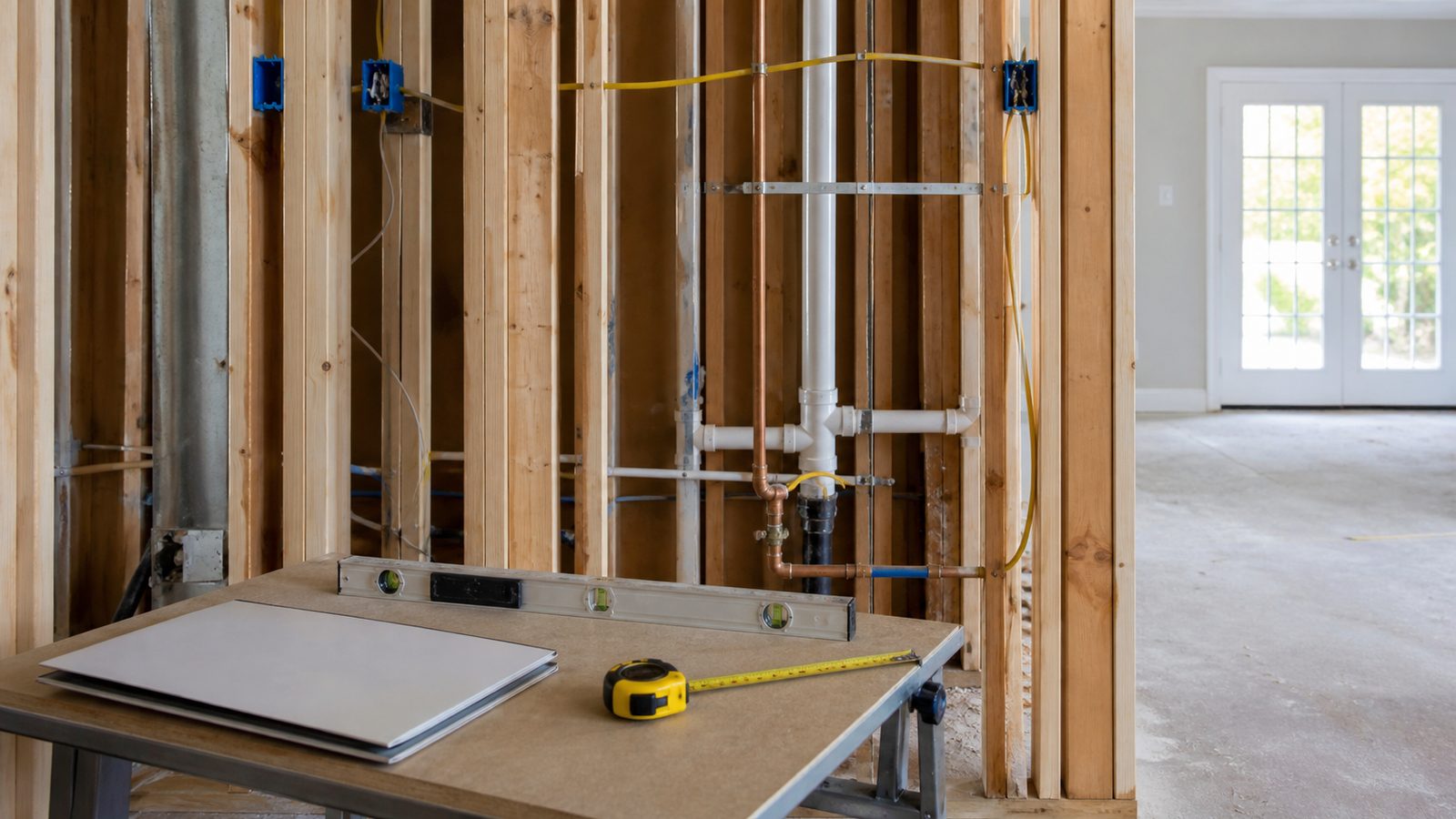
Before the inspector arrives, make sure: the permit card is posted and visible at the job site, approved plans are on-site and accessible (not locked in a vehicle), the area being inspected is accessible and unobstructed, and any required work is fully complete. An inspector who arrives and cannot access the work area will mark the inspection as a "No Access" failure, which still consumes your inspection slot and requires rescheduling. On framing inspections, inspectors will check nailing patterns, header sizing, shear wall fastening, and opening sizes against the approved plans.
Step 6: Pass or Red Tag — What Each Means
A passed inspection is logged in CityView and you can proceed to the next phase. A red tag (formally a "Stop Work Order" or "Failed Inspection Notice") means work must halt until the deficiency is corrected. The inspector will document the specific code section violated and the correction required on the inspection record in CityView. Do not cover, conceal, or continue work past a red-tagged item.
Step 7: How to Clear a Red Tag
After correcting the cited deficiency, log back into CityView and schedule a re-inspection for the same inspection type. Re-inspections in Jacksonville carry a fee of approximately $65 to $100 depending on the permit type. You must describe the correction made in the re-inspection request notes. The same inspector does not necessarily return — any qualified inspector can sign off a re-inspection. If the underlying deficiency requires a plan revision (for example, the correction changes the approved design), you must submit revised drawings to plan review before re-inspecting.
Pro Tips
- Take photos of completed rough-in work before it is concealed — if there is a dispute about what was inspected, your photos are evidence.
- Inspectors reference the Florida Building Code, current edition as adopted by the City of Jacksonville. Download a copy and keep it on-site.
- If an inspector issues a red tag you believe is incorrect, request a supervisory review through the Building Inspection Division before scheduling a re-inspection. Do not just fix something you believe complies — get the disagreement resolved on record first.
Get a written estimate in 48 hours. Call (904) 944-0278 or request a free inspection.
JK Prestige Construction coordinates all inspection scheduling as part of every project. Our OSHA 30-certified crews are trained to prepare each inspection milestone so inspectors find nothing to flag. Learn more about how JK Prestige manages the construction process.
No call center. No coordinator. A JK principal reviews every inquiry and replies with a real number, not a range, not a follow-up form.
Request Free Estimate →